CTM vs ClickUp
Comparing CTM and ClickUp for Central European businesses. Less complexity, more features for the local market.
| CTM | ClickUp | |
|---|---|---|
| Slovak / Czech language | Native | EN only |
| Kanban tasks | Included | Included |
| Meetings & minutes | Included | Not included |
| Vacation management | Included | Not included |
| Internal communication | Included | Included |
| Price (10 users) | €25/mo. per company | $70/mo. |
| SK/CZ support | Native | EN only |
Competitor figures are the cheapest paid plan on annual billing, for 10 people. Taken from the vendors’ own pricing pages on 9 September 2026 — verify before deciding.
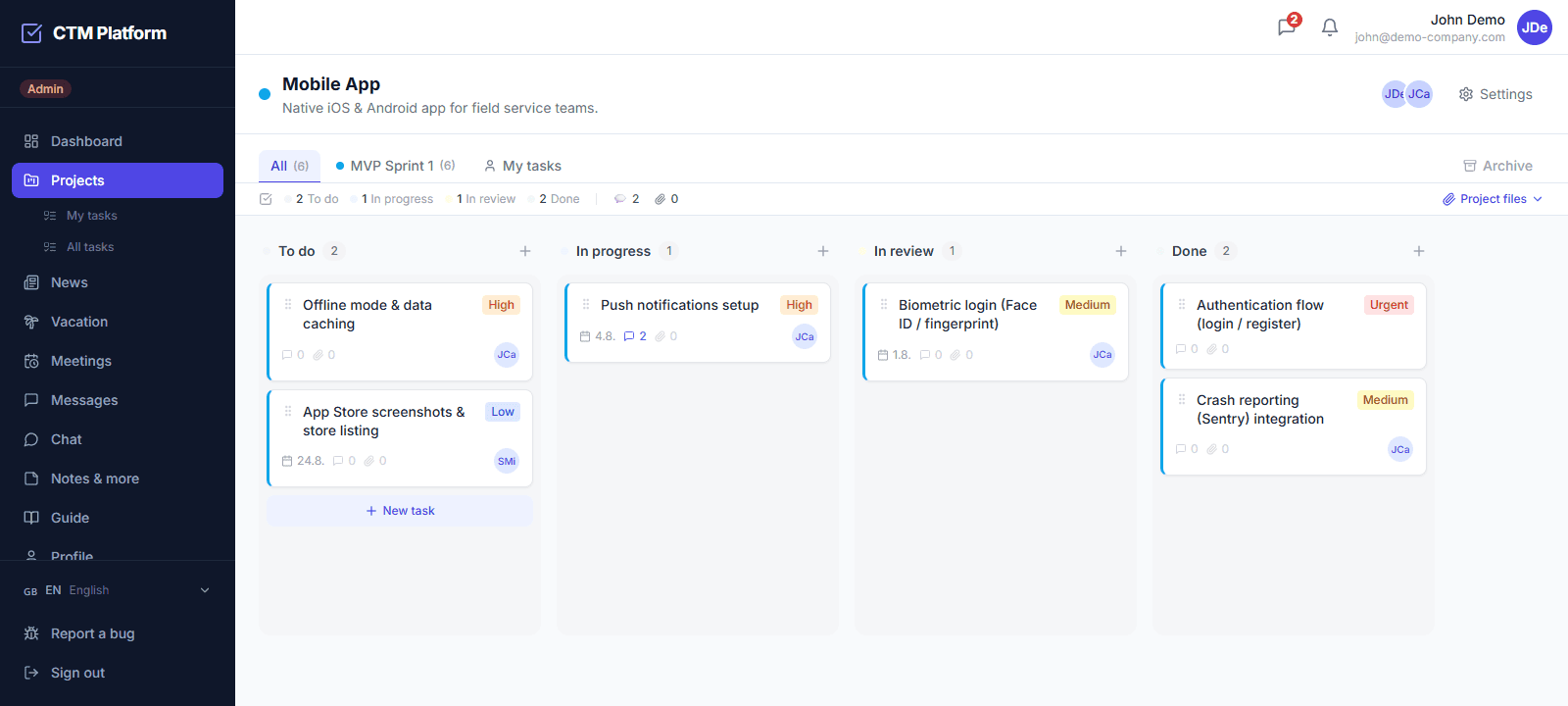
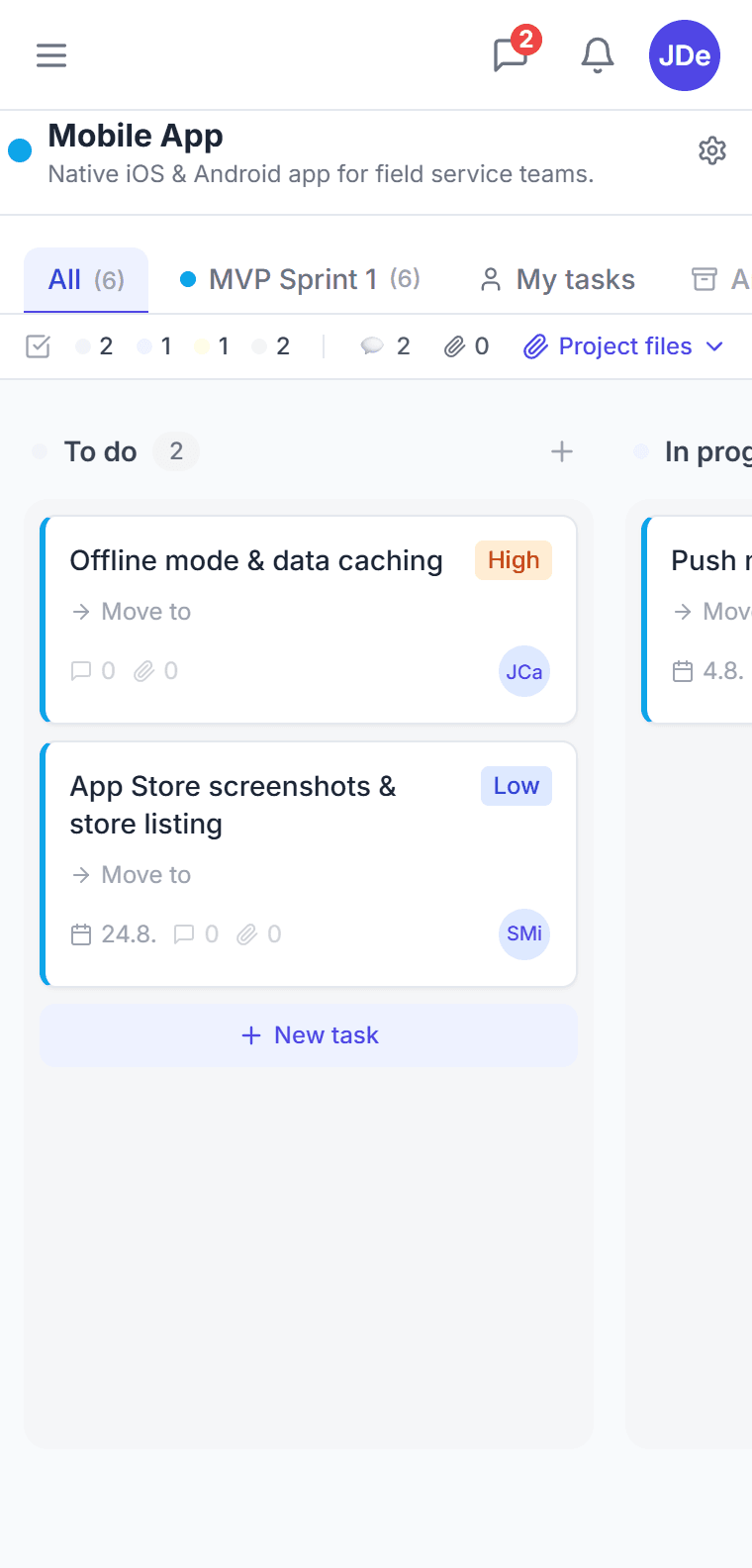
This is what it looks like
No mockup — a screen straight from the app. The kanban board you get right after signing in.
How does CTM compare to ClickUp for small businesses?
ClickUp offers extensive customization which can be powerful, but also complex to configure. CTM takes the opposite approach: focused, purpose-built modules — Kanban, projects, meetings, vacation, and messaging — that work out of the box. For small businesses that need to get started quickly without a lengthy setup process, CTM's lower learning curve is a meaningful advantage.
Is CTM more affordable than ClickUp?
ClickUp's paid plans are priced per user per month. For a team of 10–20 people on a Business plan, monthly costs can reach 100–200 EUR. CTM Starter costs 25 EUR per month per organization — a flat rate. The Pro plan at 59 EUR per month covers all features for the entire organization, making total cost of ownership substantially lower as teams grow.
Does ClickUp support Slovak and Czech?
ClickUp's interface is available in English and a selection of major languages, not including Slovak or Czech. CTM is natively available in Slovak, Czech, English, and German. For teams in Slovakia and the Czech Republic, this means your project management platform works in the language your team thinks in — no browser translation plugins needed.
Does ClickUp include meeting management like CTM?
ClickUp does not include a dedicated meeting management module. You can use docs or tasks to track meeting notes, but there is no native meeting lifecycle — scheduling, RSVP, agenda, attendance, and action item tracking — built into the platform. CTM's meeting module handles all of these in one place, directly integrated with your task and project data.
Is the Gantt view in CTM limited like ClickUp's free plan?
No. ClickUp's Free Forever plan caps how much you can use the Gantt view before it asks you to upgrade — a limit teams tend to discover at the worst moment. CTM's timeline has no usage cap on any plan, Free included. Tasks appear as bars from start date to due date on a day, week, or month scale, phases show as milestones, and dates are changed by dragging. Alongside it, the same project can be shown as a Kanban board, a grouped list, or a sortable table — four views, no upsell.
Is CTM simpler than ClickUp for a team that just needs to get organised?
That is the trade-off. ClickUp is enormously configurable, which is why teams often abandon it within weeks — someone has to own the setup. CTM ships the decisions already made: a Kanban board with four views, meetings with video calls and room booking, leave approvals with absence warnings, and messaging, each as a module you switch on rather than a workspace you have to design. Everything is in Slovak, Czech, English and German, at a flat price per organization.
Does CTM have request intake like ClickUp forms?
ClickUp can do it, as it can do nearly anything — with a form built per list and the fields, statuses and automations configured by somebody who owns that setup. CTM ships the decisions already made: a request goes to a person, carries a type (task, question, approval or information), a priority and a suggested deadline, and the recipient converts it into a task in one click, handles it on the spot, forwards it, or rejects it with a mandatory reason. Nothing to design, nothing to maintain, and when the task is done the request closes itself. On every plan, Free included.
Why choose CTM?
ClickUp is great for large teams, but its complexity can be a barrier. CTM is simpler, more affordable and includes meetings and vacation management out of the box.