Video calls in CTM
Start a call straight from a meeting, a project, or with one click to a colleague. No install, no extra account, no per-seat licence — included in your plan from Starter up.
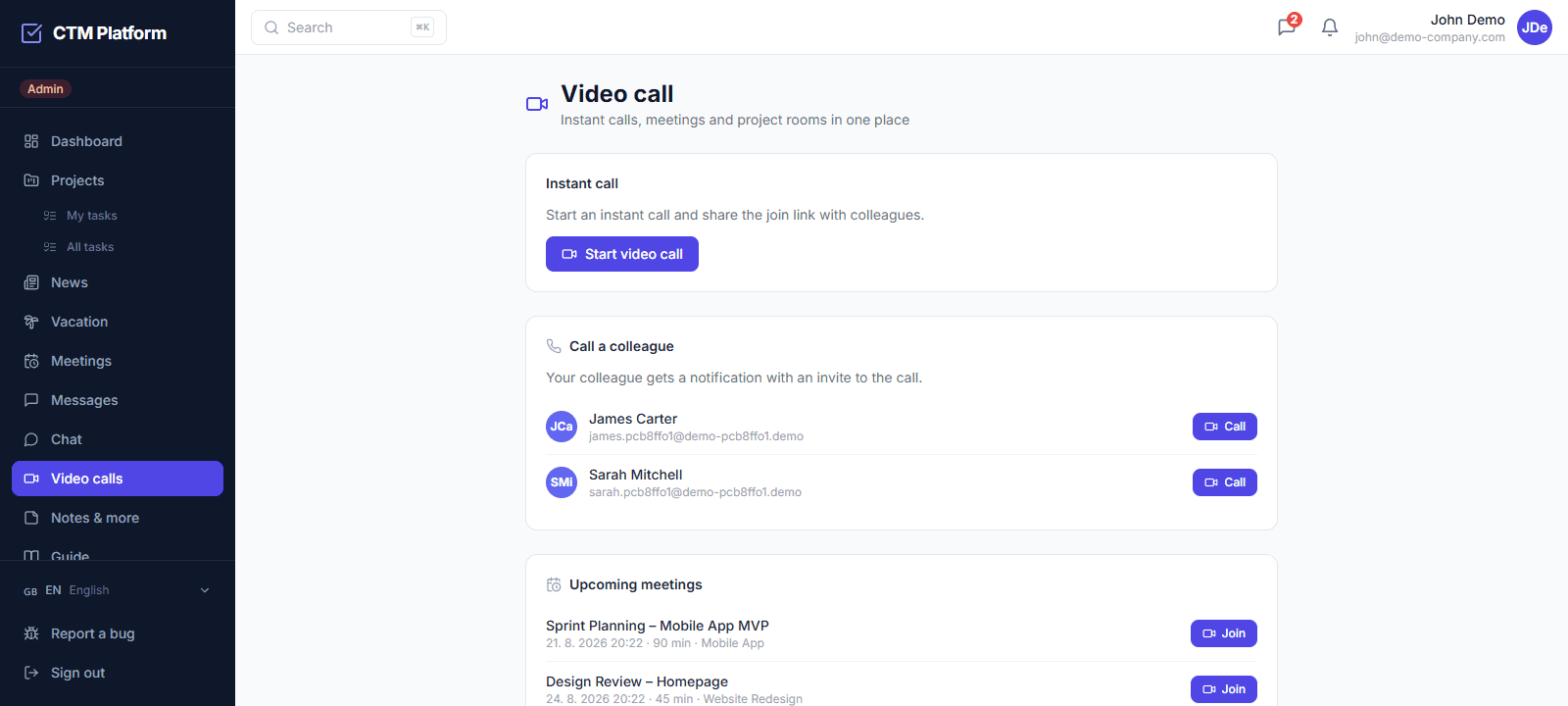
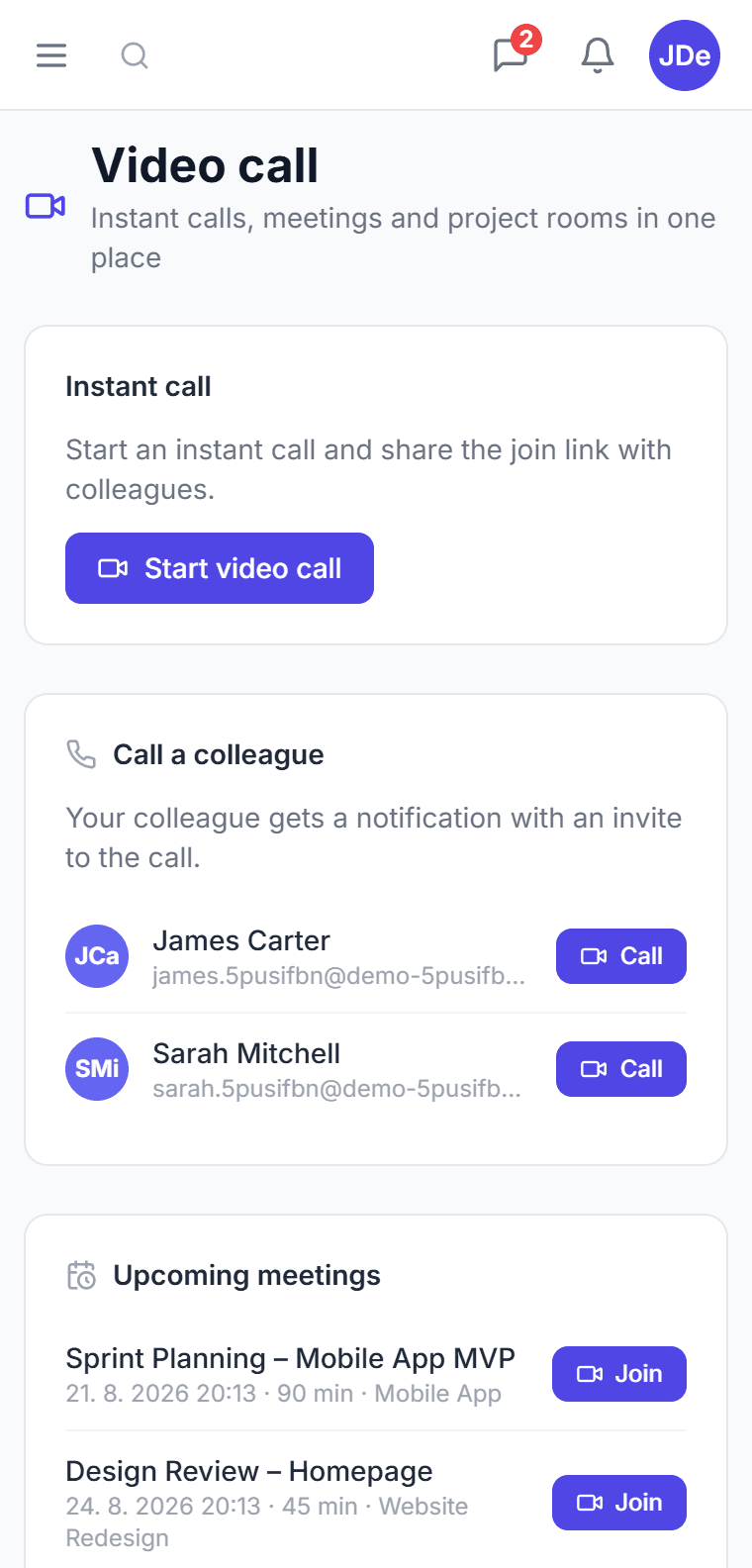
A call straight from the meeting
Open the meeting and click “Start video call” — the call opens in a new window. CTM stays usable next to it, so the agenda and minutes get written while people talk.
Attendance fills itself in
Anyone who joins a meeting's call is marked present automatically. An absence you set by hand is never overwritten.
Direct calls and permanent rooms
Call a colleague in one click from the Video calls tab — they get a notification with the link. A project can keep a permanent room with a fixed link (Pro plan).
No recording, no hidden cost
Video calls are part of the plan for the whole team, not billed per user. Recording, streaming and transcription are disabled in the token itself — nothing is stored and nothing is charged on top.
How do I start a video call in CTM?
Open a meeting and click “Start video call” — CTM creates the room on first click and opens the call in a new browser tab, so the rest of the app stays usable beside it. You can also call a colleague directly from the Video calls tab: they receive a notification with a link, exactly like a phone call. Projects on the Pro plan can keep a permanent room whose link never changes.
Do participants need another account or an app to install?
No. The call runs in the browser on a dedicated page, with nothing to install and no second service to sign up for — a member of your organization simply clicks the link. The one limitation to know: guests without a CTM account cannot join yet, so external clients still need a meeting link from another tool. Everyone inside the organization is covered.
Are calls recorded or stored anywhere?
No. Recording, live streaming, and transcription are switched off in the access token itself, not merely hidden in the interface, so no recording can be started. CTM stores only the room identifier for the meeting or project; the audio and video never touch CTM's own database. Room identifiers are random and unguessable, and a signed token is issued only to a member of the organization.
Which plan includes video calls and what do they cost extra?
Video calls are included from the Starter plan at 25 EUR per month for the whole organization, and permanent project rooms come with Pro at 59 EUR per month. There is no per-seat licence and no separate video subscription: the price covers the team, not the number of people who happen to join a call that month.