Team messaging
Built-in team chat. Quick messages, group conversations and file sharing — no switching between tools.
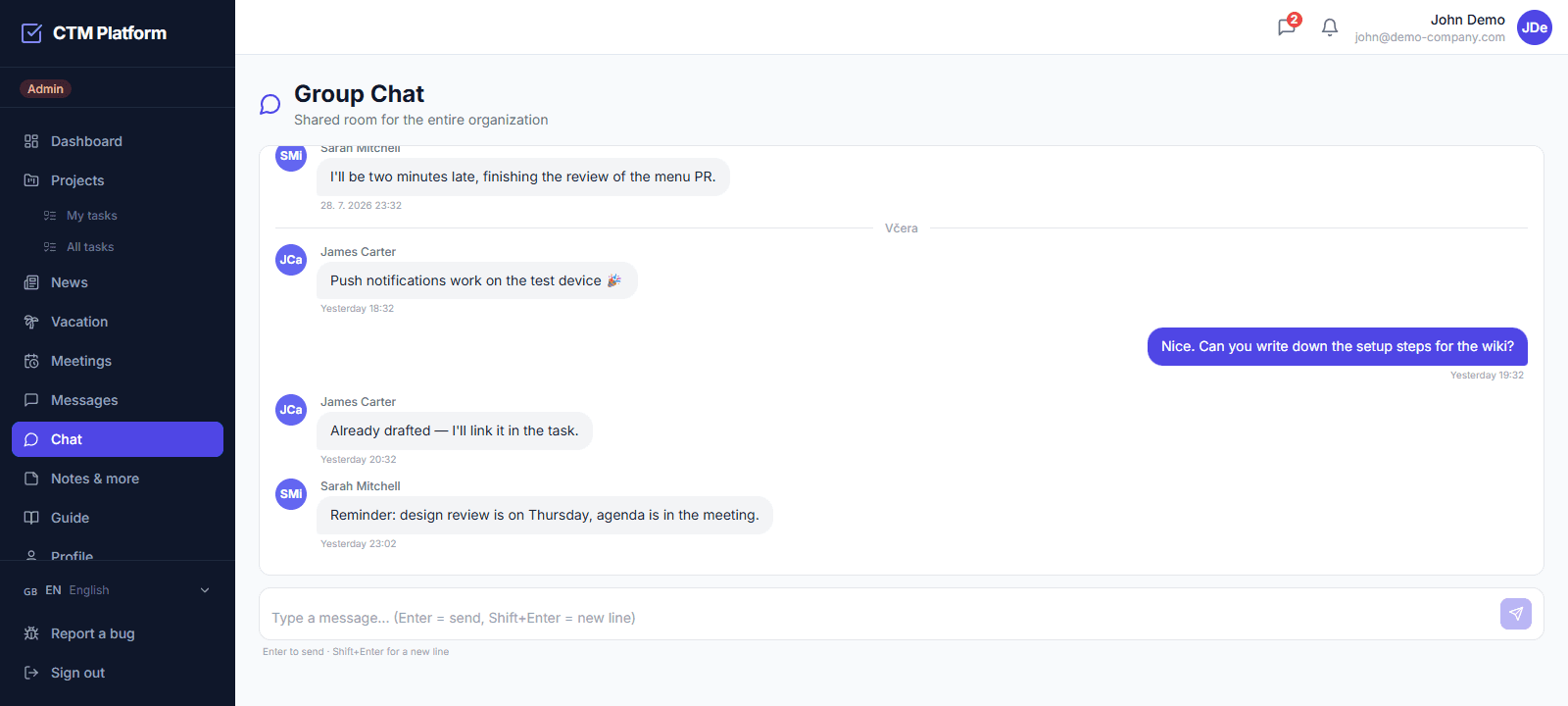
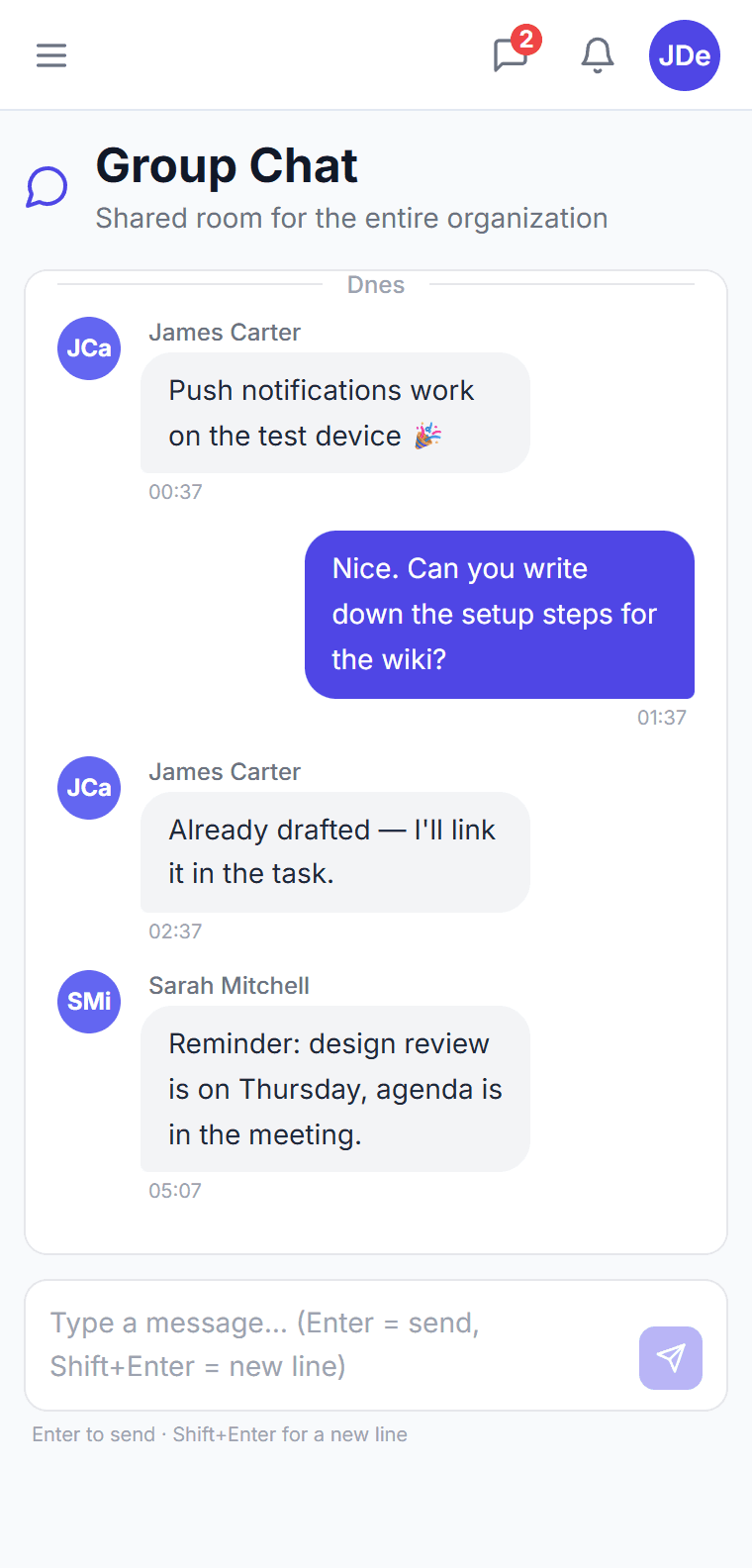
Team conversations
Group and private chats. Communicate with the entire team or directly with a colleague — all in one place.
File sharing
Send files, images and documents directly in chat. Quick access to shared materials.
Task integration
Reference tasks and projects directly in conversations. Quick context without searching.
Notifications
Instant alerts for new messages. Control which conversations you follow and which you mute.
What is CTM team messaging?
CTM team messaging is a built-in internal communication module for sending one-to-one and group messages between members of the same organization. Messages support a subject, threaded replies, file attachments, and email notifications, so conversations stay organized and people are alerted to new messages even when they are not in the app.
Can I send a message to a whole group at once?
Yes. CTM supports group messaging: you select a user group and the system delivers an individual message to each member, excluding yourself. Every recipient gets their own copy and email notification, which keeps replies private and threaded rather than mixed into a single shared channel.
Are messages isolated between organizations?
Yes. Like all data in CTM, messages are strictly scoped to your organization. You can only message members of your own organization, and no message is ever visible to users in another company. This multi-tenant isolation is enforced on every messaging action.
Does messaging support attachments and notifications?
Yes. Messages can carry file attachments, and each new message triggers an email notification to the recipient with the sender name and subject. A trash and cleanup mechanism removes deleted messages after a configurable retention period, keeping the mailbox tidy without manual effort.
Can I save a message and send it later?
Yes. A message you have started writing is saved as a draft automatically and waits in its own Drafts tab until you finish it — useful when a reply needs a number you do not have yet. Drafts keep the recipient, subject and body, are visible only to you, and can be deleted without sending. Nothing is delivered until you press send.