Meetings & minutes
Plan meetings, record minutes and track action items. Automatically convert them into kanban board tasks.
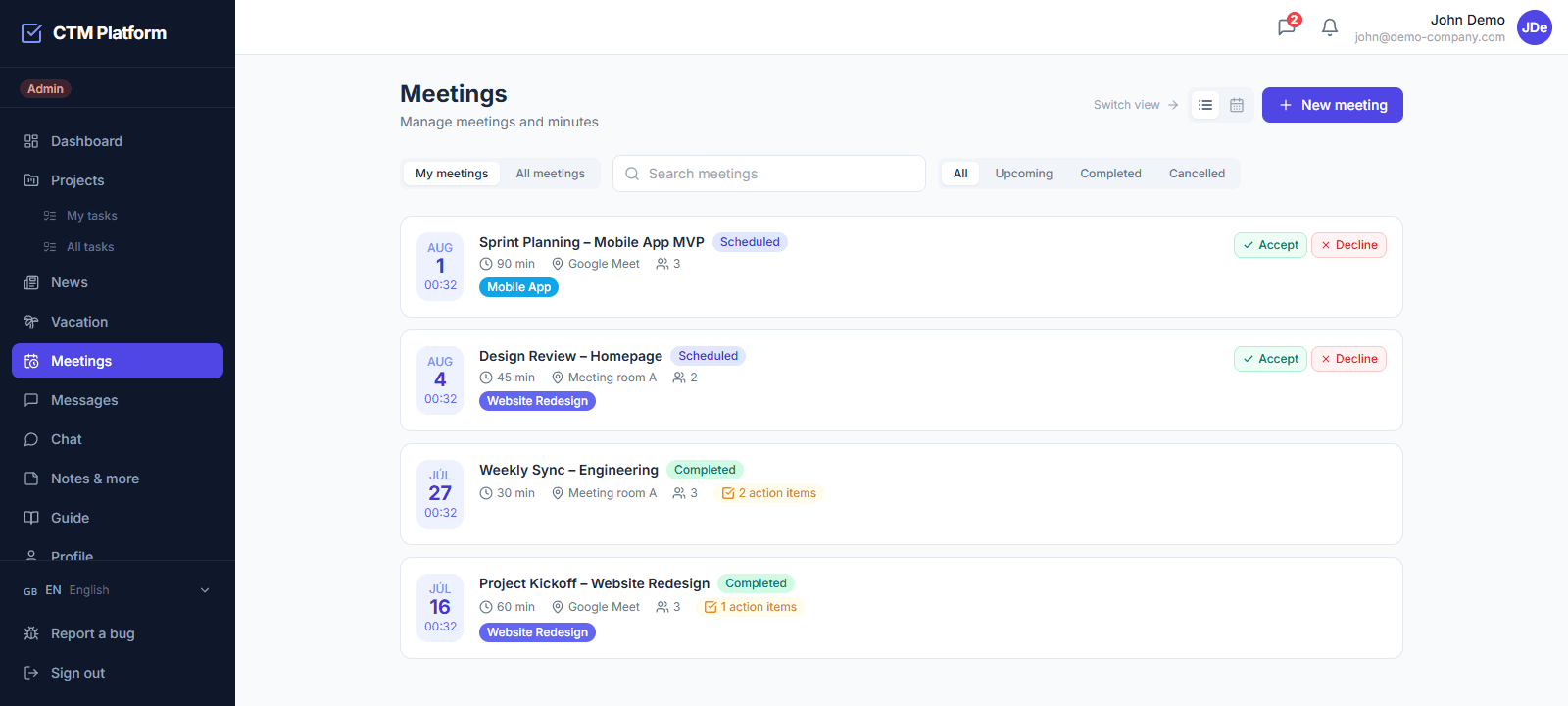
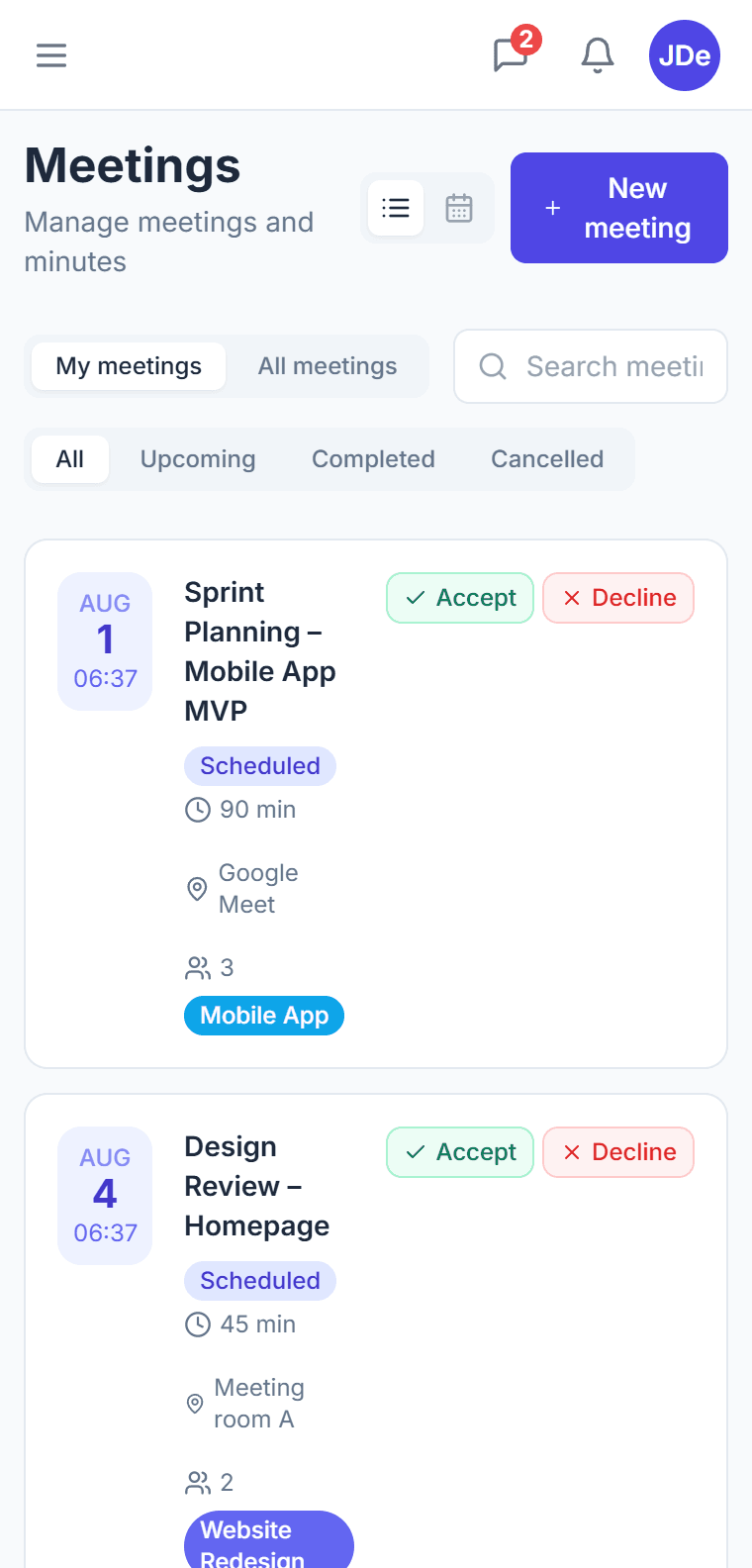
Meeting planning
Create meetings with agenda, date and participants. Automatic invitations and RSVP responses.
Meeting minutes
Rich text editor for minutes. Record decisions, conclusions and action items during the meeting.
Action items → Tasks
Convert a meeting action item into a kanban task with one click. Automatic assignee assignment.
Google Calendar sync
Sync meetings with Google Calendar. Participants see the date directly in their calendar.
What does CTM meeting management include?
CTM meeting management covers the full meeting lifecycle in one place: scheduling, an agenda, attendee tracking, notes, and action items. Unlike most task tools, this is a native module rather than a third-party integration, so meetings live alongside your tasks and projects. Teams can prepare an agenda before the meeting, record notes during it, and capture follow-up actions that connect back to the rest of their work.
How are meeting action items linked to tasks?
Action items captured in a CTM meeting connect directly to the platform's task system, so decisions made in a meeting become trackable work instead of getting lost in notes. This keeps accountability clear: every follow-up has an owner and can be tracked on the Kanban board after the meeting ends.
Which plan includes meeting management?
Meeting management is available from the Starter plan, which costs 25 EUR per month for the entire organization and supports up to 10 users. The Pro plan at 59 EUR per month includes meetings together with the full feature set, including Google Calendar two-way sync so meetings appear in your calendar automatically.
Can attendees confirm their attendance?
Yes. CTM meetings support attendee tracking so organizers can see who is expected and who has confirmed. Combined with the agenda and notes, this gives a complete record of each meeting — who attended, what was discussed, and what was decided — without needing a separate calendar or note-taking tool.
Can I book a meeting room in CTM?
Yes. An administrator defines the company's meeting rooms with their capacity, floor, and equipment, and the team books them on a daily timeline where each column is one room. When you pick a room while scheduling a meeting, CTM blocks it for the meeting's duration automatically — there is no separate booking to remember. Move the meeting and the booking moves with it; cancel the meeting and the room is released.
What happens if two meetings want the same room?
CTM checks for collisions before saving and refuses the second booking, so a room can never be double-booked. Availability lives in a single reservation table shared by meetings and standalone bookings, which means there is one source of truth instead of two calendars that disagree. CTM also warns you when the number of attendees exceeds the room's capacity.
Which plan includes meeting rooms?
Meeting rooms are available from the Starter plan at 25 EUR per month for the whole organization. The module is switched on per organization by an administrator, so companies that do not need room booking never see it. Rooms are part of the meetings module — there is no separate add-on or per-room fee.
Can a meeting be held over video directly in CTM?
Yes. Every meeting has a Start video call button: CTM creates the room on first click and opens the call in a new browser tab, so the agenda and minutes stay open beside it. Whoever joins is marked present in the attendance record automatically. Video calls are included from the Starter plan for the whole team, with no per-seat licence and no second service to subscribe to — guests without a CTM account cannot join yet.