Timeline, list & table views
The same project in four views. Kanban for daily work, timeline for deadlines, list and table for the overview. Included in every plan, Free too.
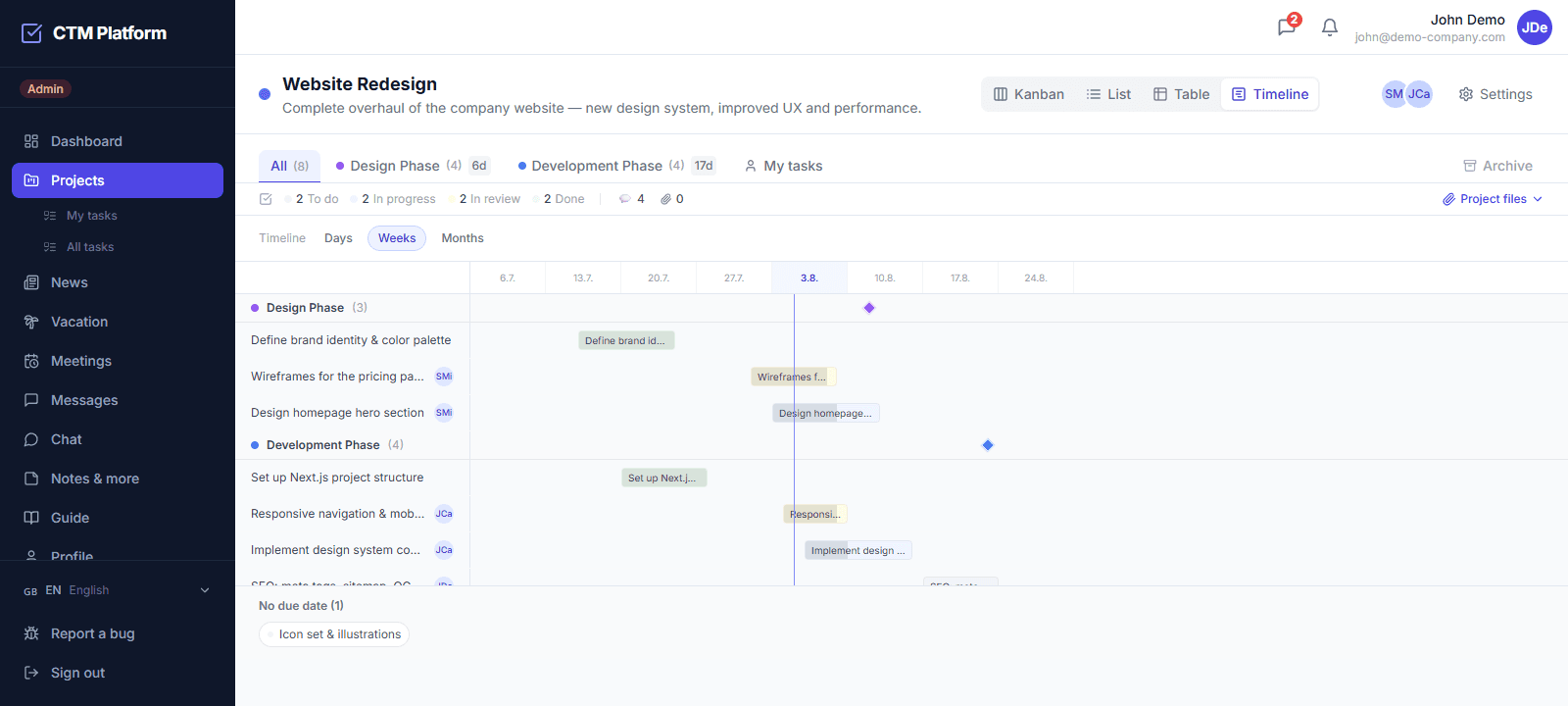
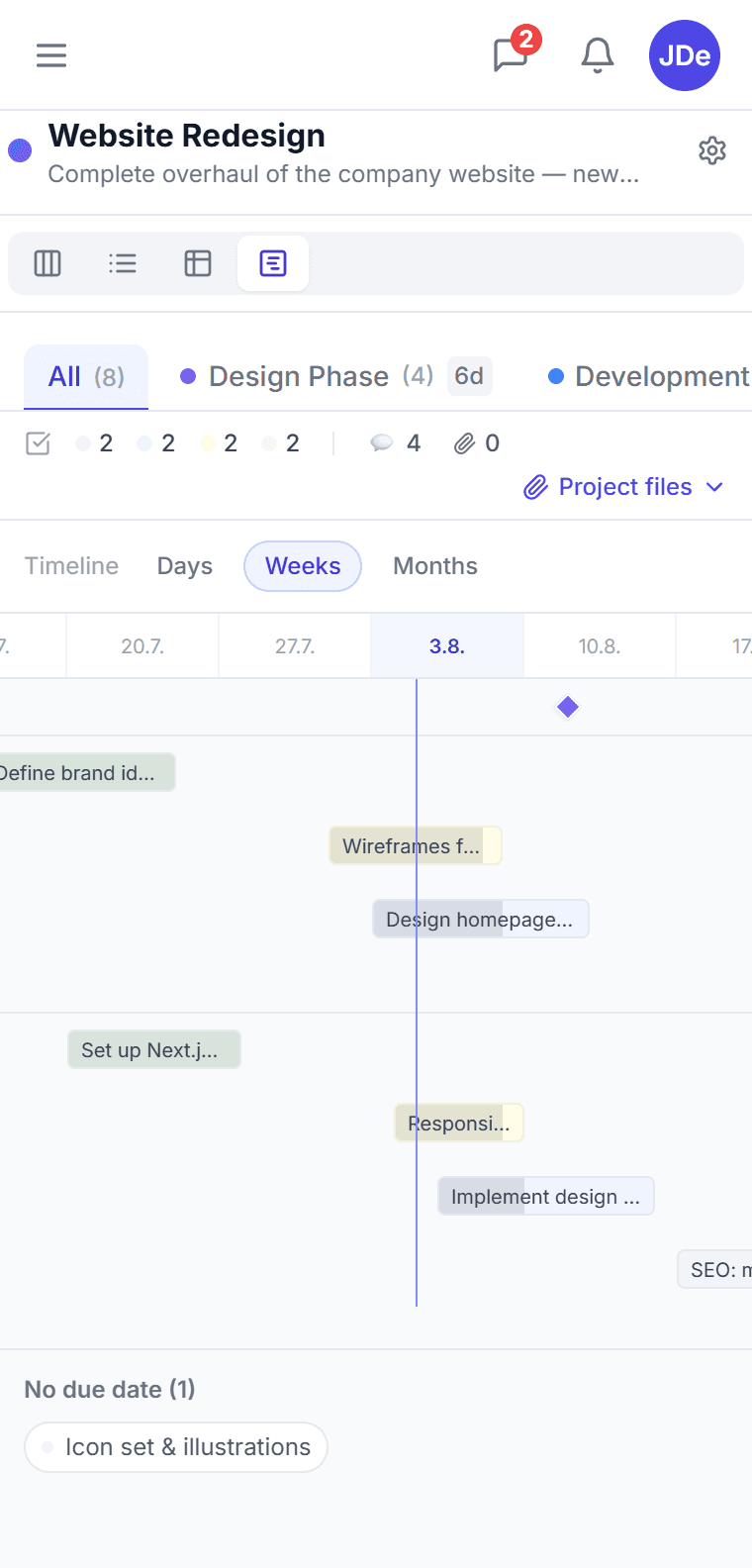
Timeline (Gantt chart)
Tasks as bars from start date to due date, with a day / week / month scale and phase milestones. Drag a bar to move the dates, drag its edge to change the duration.
Grouped list
Every task in one column, grouped by status, priority, assignee, due date or phase. Mark work done in one click without opening the detail.
Sortable table
Nine columns — status, priority, assignees, dates, phase, labels. Click a header to sort and spot what is overdue or has nobody assigned.
Switch without losing context
The switcher sits in the project header and remembers your choice per project. A link with the selected view can be shared with a colleague.
Does CTM have a Gantt chart or timeline view?
Yes. Every project can be displayed as a timeline, which is CTM's Gantt view: each task becomes a bar running from its start date to its due date, laid out on a time axis you can scale by day, week, or month. Project phases appear as milestones above the bars, and tasks without a date are listed in a footer so nothing disappears from view. The timeline is part of core task management and is available on every plan, including Free.
Can I change a task's dates directly in the timeline?
Yes. Dragging a bar moves the start date and the due date together; dragging its left or right edge changes only that end, so you can extend a task without moving its start. Dates are previewed while you drag and written optimistically — if the server rejects the change, for example because the due date is locked on a task in review or already done, the bar snaps back and you get an explanation. Handles are hidden on bars narrower than 28 pixels, where they would be impossible to hit accurately.
What other task views does CTM offer besides Kanban?
Four views share the same project data: Kanban for daily work, List for a grouped rundown, Table for sorting and comparing, and Timeline for dates. The list groups tasks by status, priority, assignee, due date, or phase and lets you tick work off without opening the detail. The table shows nine columns and sorts on any header, which is the fastest way to find overdue work or tasks with nobody assigned.
How do I switch between task views?
The switcher sits in the project header, next to the project name. Your choice is remembered per project in the browser and mirrored into the URL, so a link such as ?view=timeline opens the same view for a colleague. Switching views does not reload the page or lose your filters — it is the same data drawn differently.
Do I need a paid plan for the timeline view in CTM?
No. All four views, timeline included, are part of CTM's core task management and work on the Free plan. This is a deliberate difference from the competition: Asana puts Timeline behind its paid tiers, Monday.com's Gantt starts at Standard, and ClickUp's free Gantt is limited by usage. In CTM there is nothing to unlock and no per-user surcharge — the paid plans add meetings, vacation approvals, integrations, and AI, not basic ways of looking at your own tasks.