CTM integrations — Slack, Outlook and Google Calendar
CTM pushes tasks and meetings into the calendar you already use and notifications into Slack. The .ics invitation reaches everyone by e-mail — even people with nothing to connect.
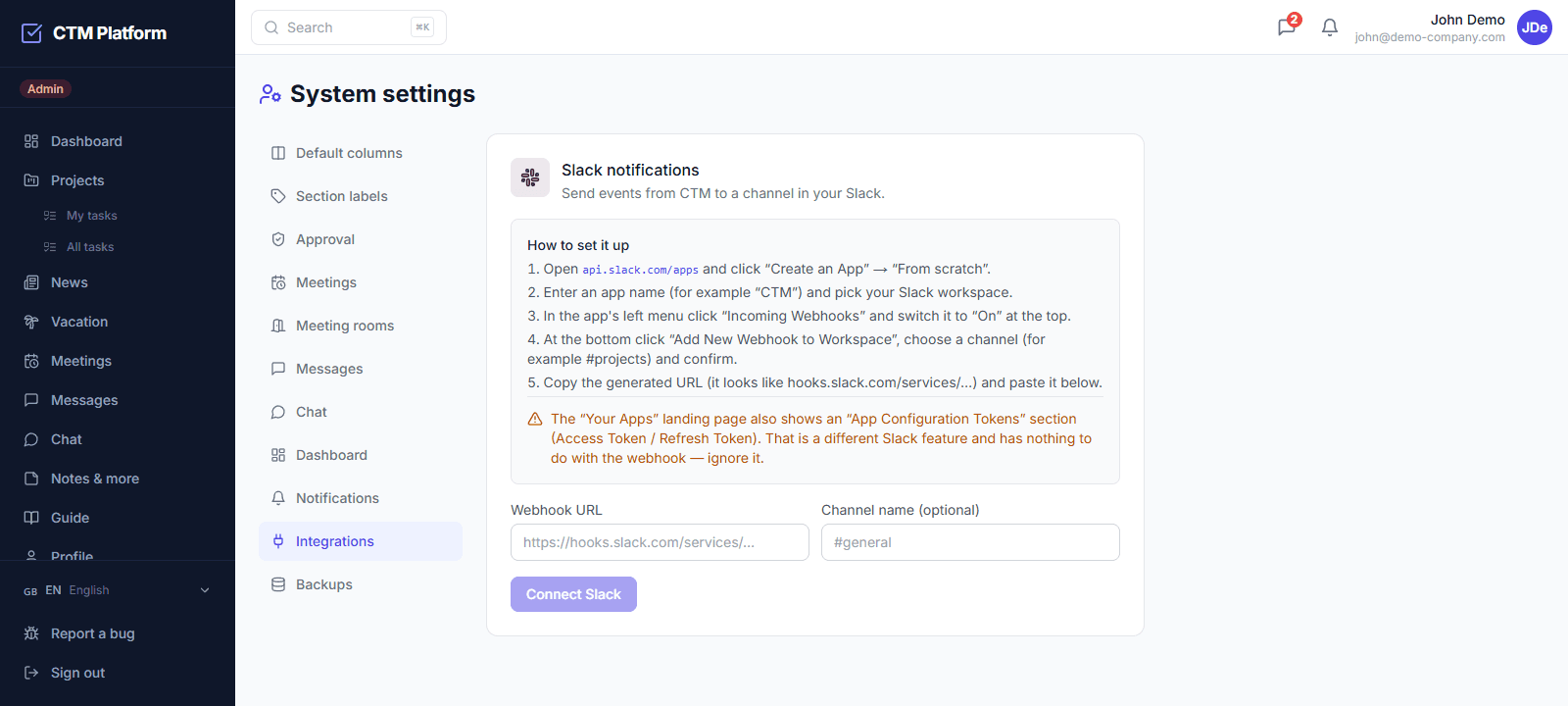
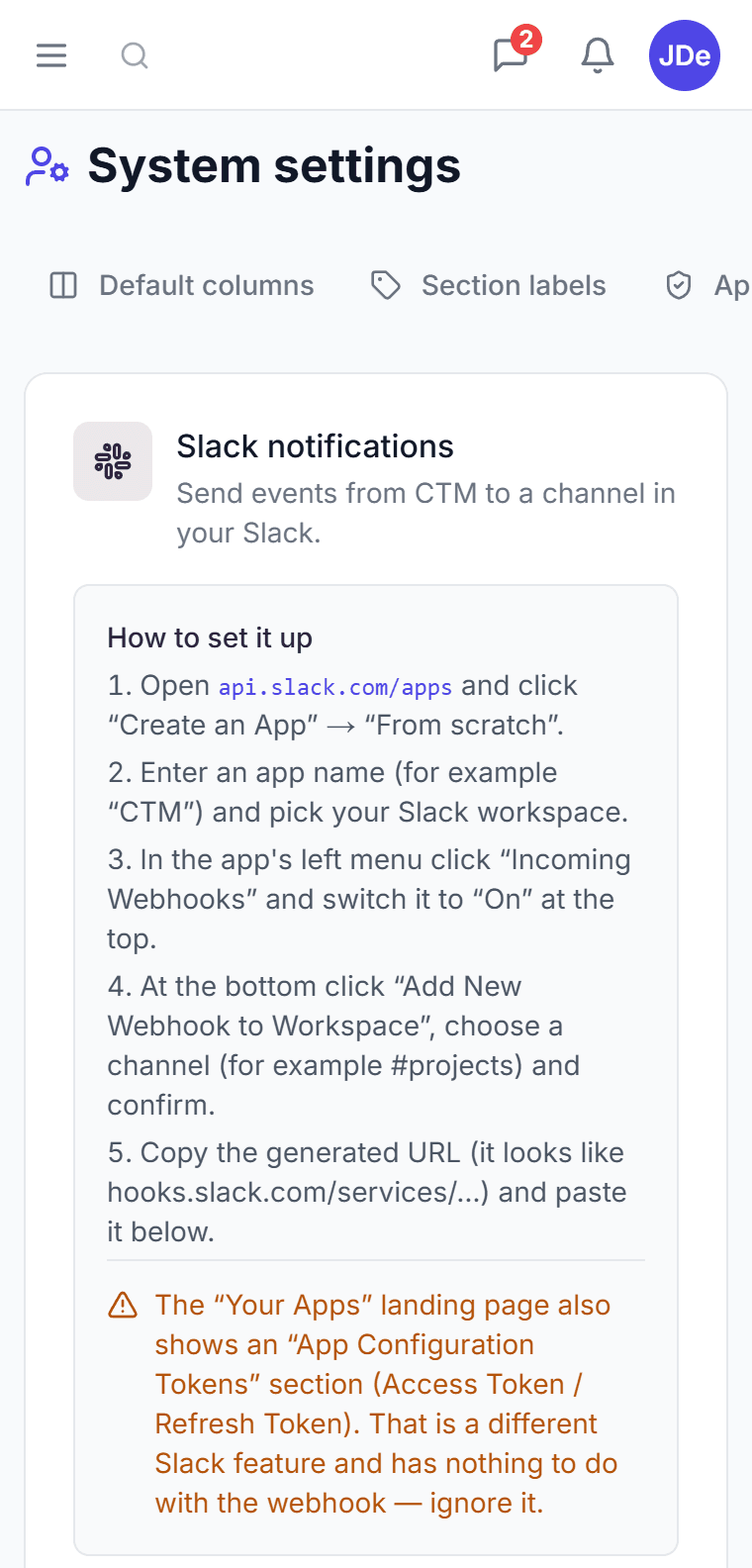
Slack notifications
Task assigned, task completed, new meeting, leave requested and leave approved. You pick which events reach the channel; it is set up once for the whole company via a webhook.
Outlook and Google Calendar
Tasks and personal notes sync to Google Calendar and to Outlook (Microsoft 365). Each person connects their own account from their profile, not an administrator centrally.
Calendar invitation in the e-mail
The meeting e-mail carries an .ics invitation, so Outlook and Gmail offer Accept or Decline right there. Rescheduling overwrites the original event, cancelling removes it from the calendar.
Download it or mail it to yourself
Every task and meeting has a button to download the .ics file and one to send the event to your own address — handy on a phone, where a downloaded file has nothing to open it.
Which integrations does CTM offer and on which plan?
The Pro plan at 59 EUR per month per organization includes Slack notifications, Outlook Calendar sync via Microsoft 365, and two-way Google Calendar sync. Calendar invitations as .ics files work on every plan, including Free, because they travel by e-mail and need nothing connected on the recipient's side. Slack is configured once for the whole company by an administrator; calendar accounts are connected by each person in their own profile.
How do meetings reach Outlook if we don't use Microsoft 365?
Through the .ics invitation in the notification e-mail. Microsoft's Graph API can only write into calendars hosted by Microsoft, so a company whose mail runs elsewhere cannot use Outlook sync no matter how it is configured. The invitation solves this: the e-mail about a meeting carries the event itself, Outlook and Gmail render Accept and Decline directly in the message, a rescheduled meeting overwrites the original event, and a cancelled one removes it.
What exactly does CTM send to Slack?
Five events, each of which can be switched on or off per organization: a task assigned, a task completed, a new meeting scheduled, a leave request submitted, and a leave request approved. Messages go to one channel through an incoming webhook, so there is no Slack app to install and no per-user authorization — an administrator pastes the webhook URL once in Settings → Integrations and can send a test message to verify it.
Does accepting an invitation in Outlook update the RSVP in CTM?
Not yet. Accepting or declining in a calendar client sends the reply to the sending mailbox, and CTM does not process incoming mail, so the attendee is still listed as not having responded. The notification e-mail says this explicitly and asks the recipient to confirm in CTM as well. Pairing calendar replies with in-app RSVP is on the roadmap; until it ships, attendance in CTM is confirmed in CTM.