NewAI meeting minutes

Company task managerYour whole company
in one board.

Tasks, meetings, leave, chat and video calls for small and mid-sized companies. You pay one price for the whole company, so every extra colleague is free.

No credit cardCancel anytime
Jana, Peter and Lucia are working right now. Try moving a card yourself.Jana, Peter and Lucia are working right now.
One login

Five tools that finally know about each other

When Peter is on leave, his tasks know it. When a meeting ends, the action items are already in the project. Everything shares the same people and the same calendar.

Projects and tasks

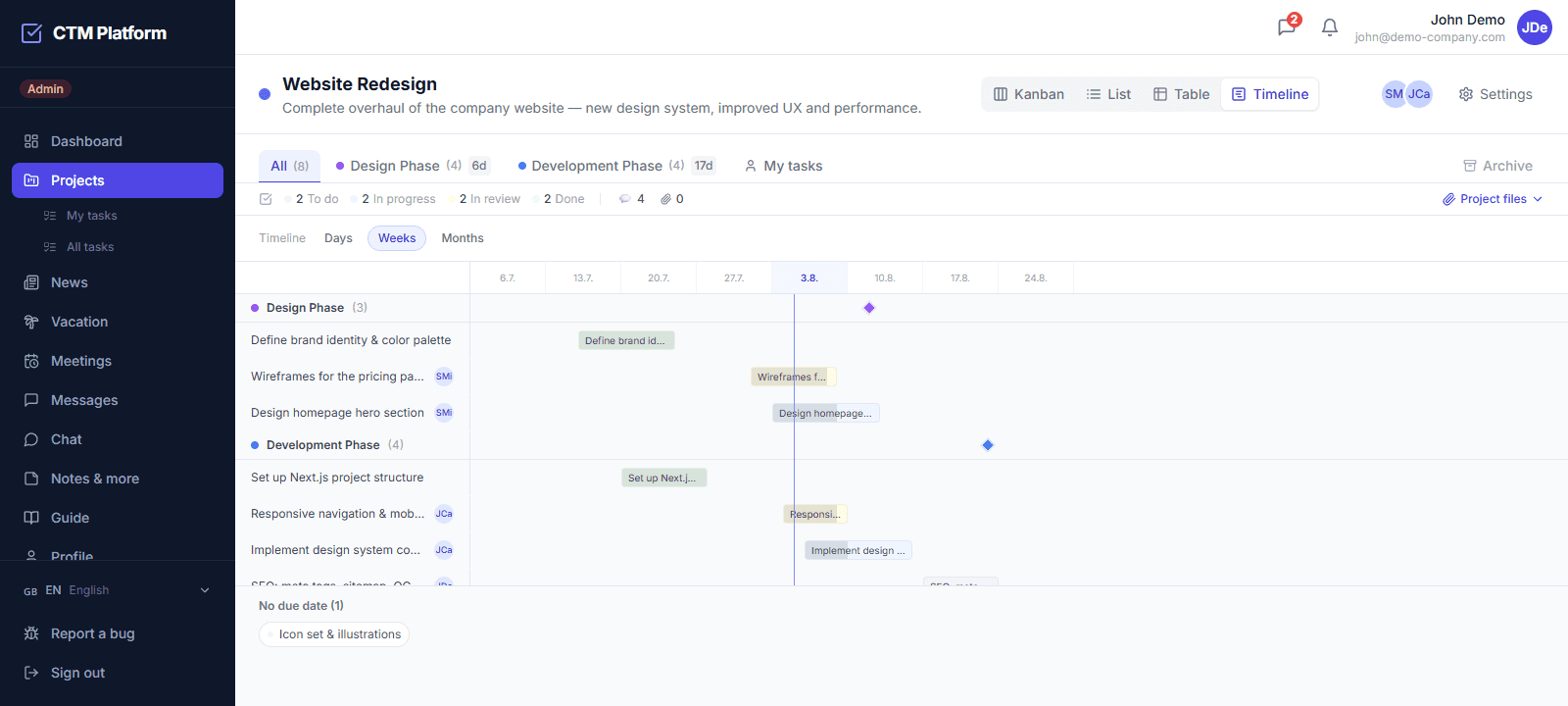
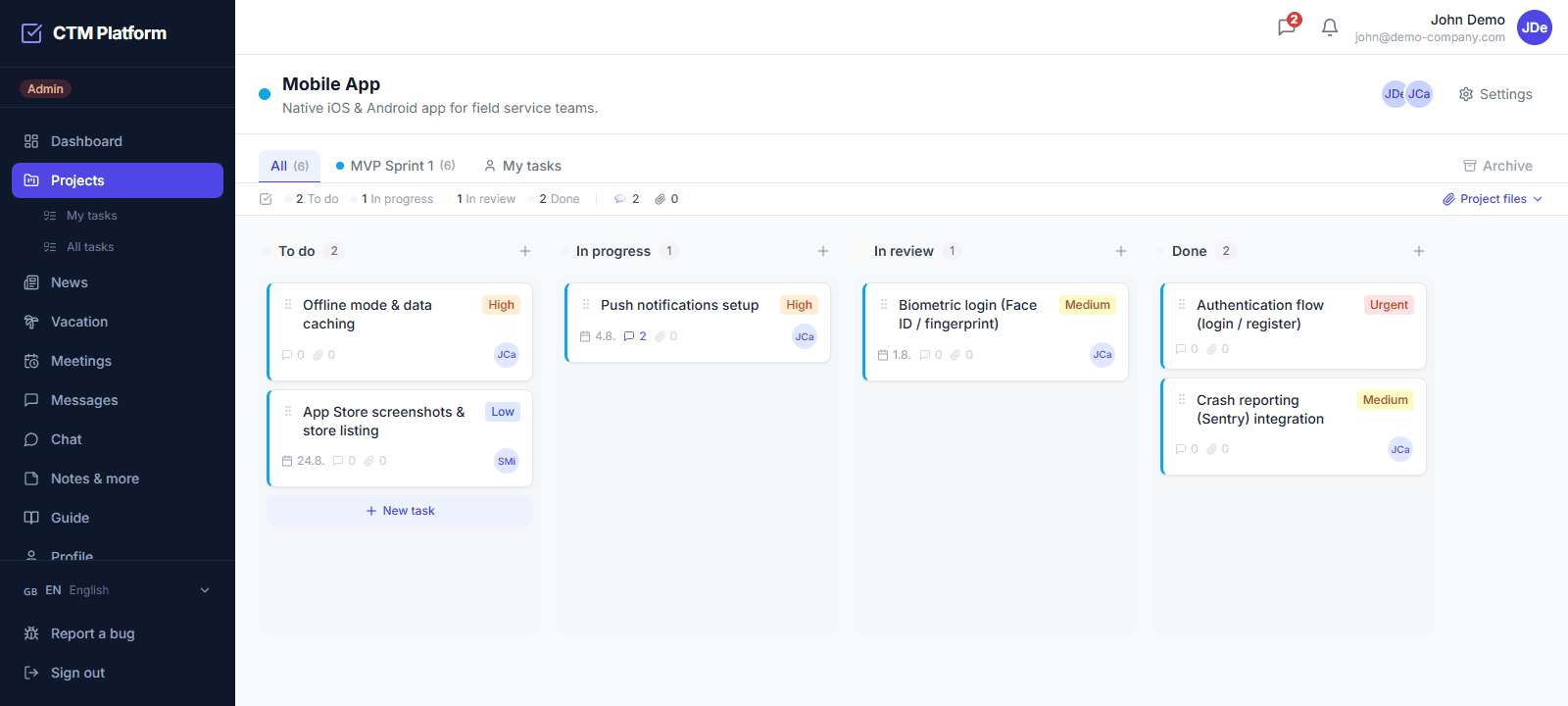
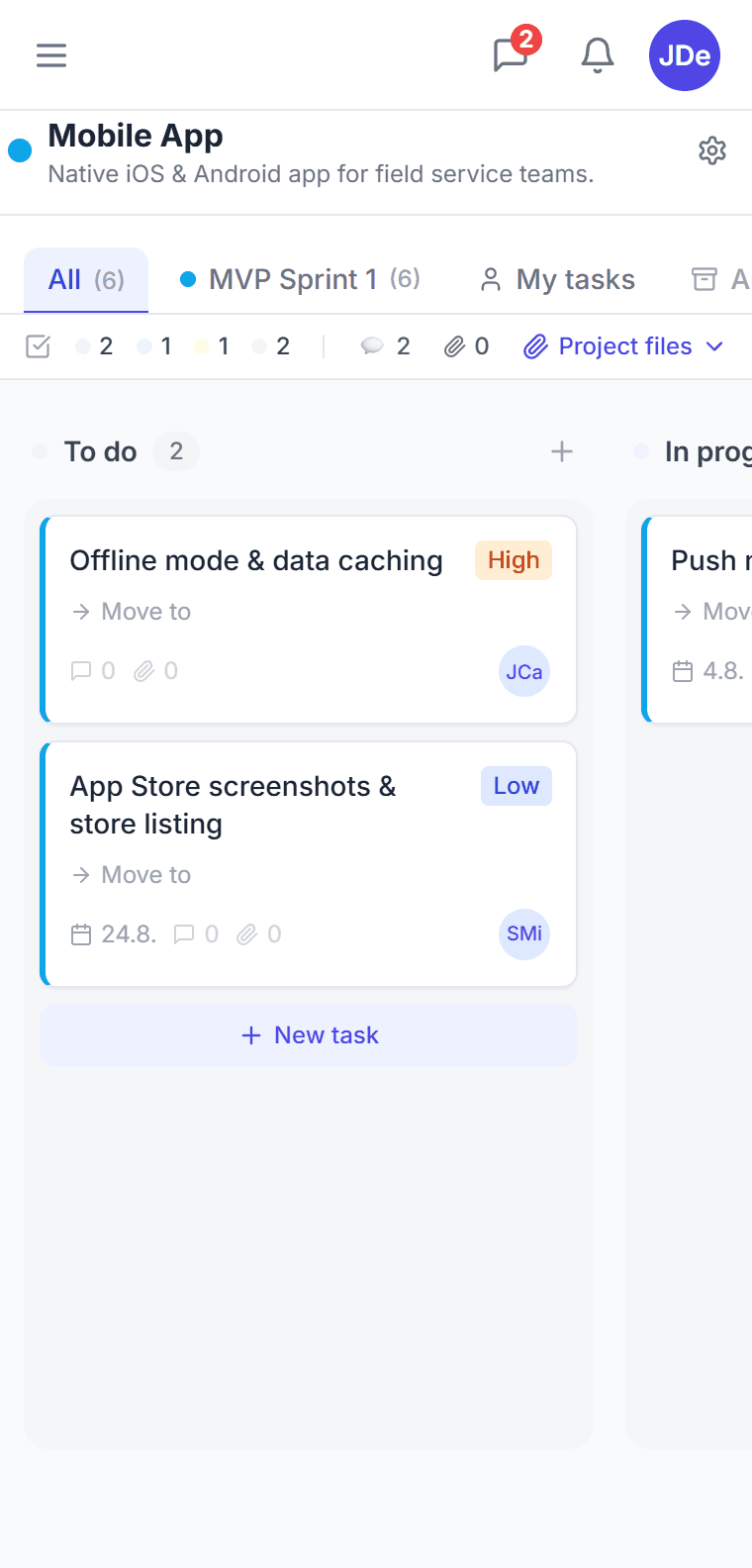
Kanban, list, table and timeline on the same project

Drag a bar to move a deadline. CTM warns you when the assignee is on leave at that time.

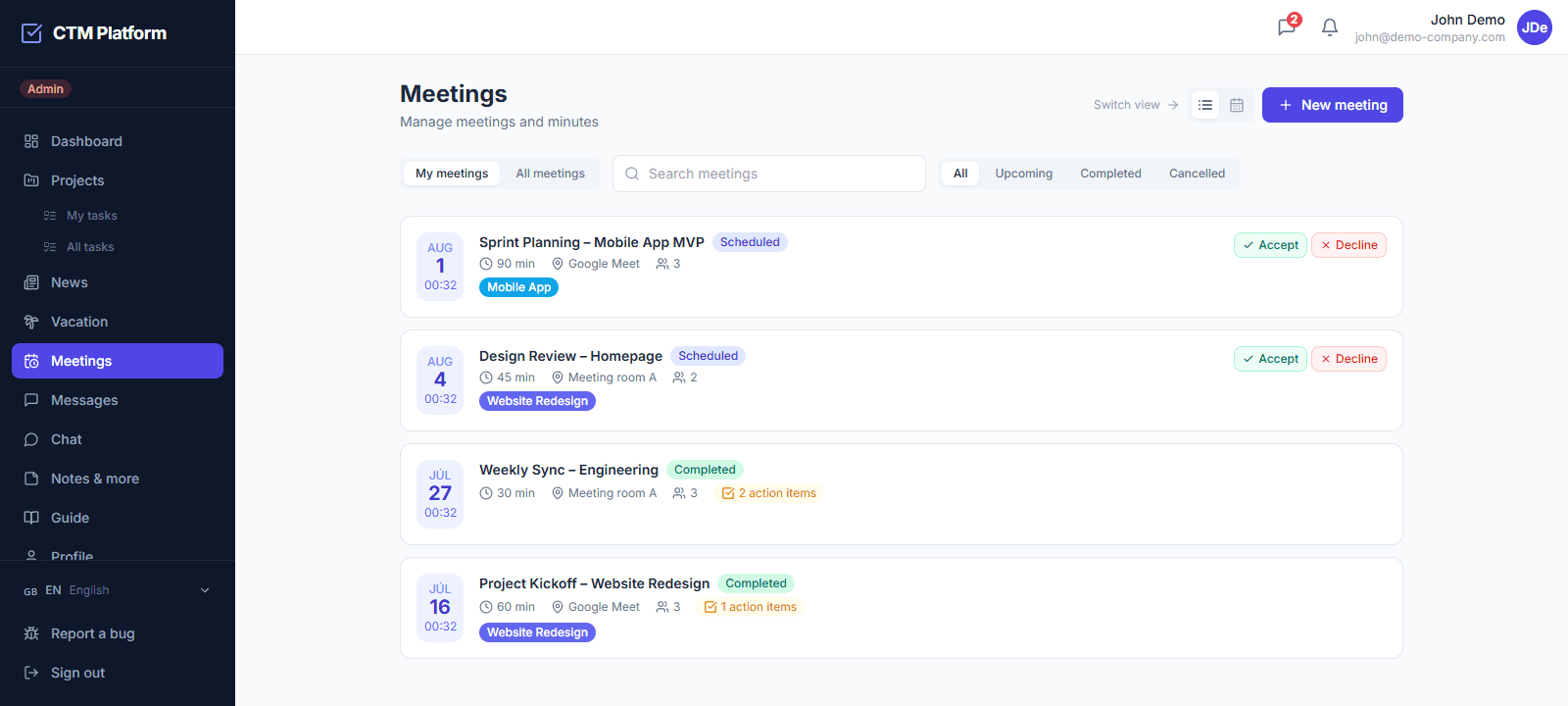
Meetings and AI minutes

The meeting ends and the minutes are written

AI pulls the decisions from the transcript and suggests action items with an owner and a deadline. You confirm them and they become tasks.

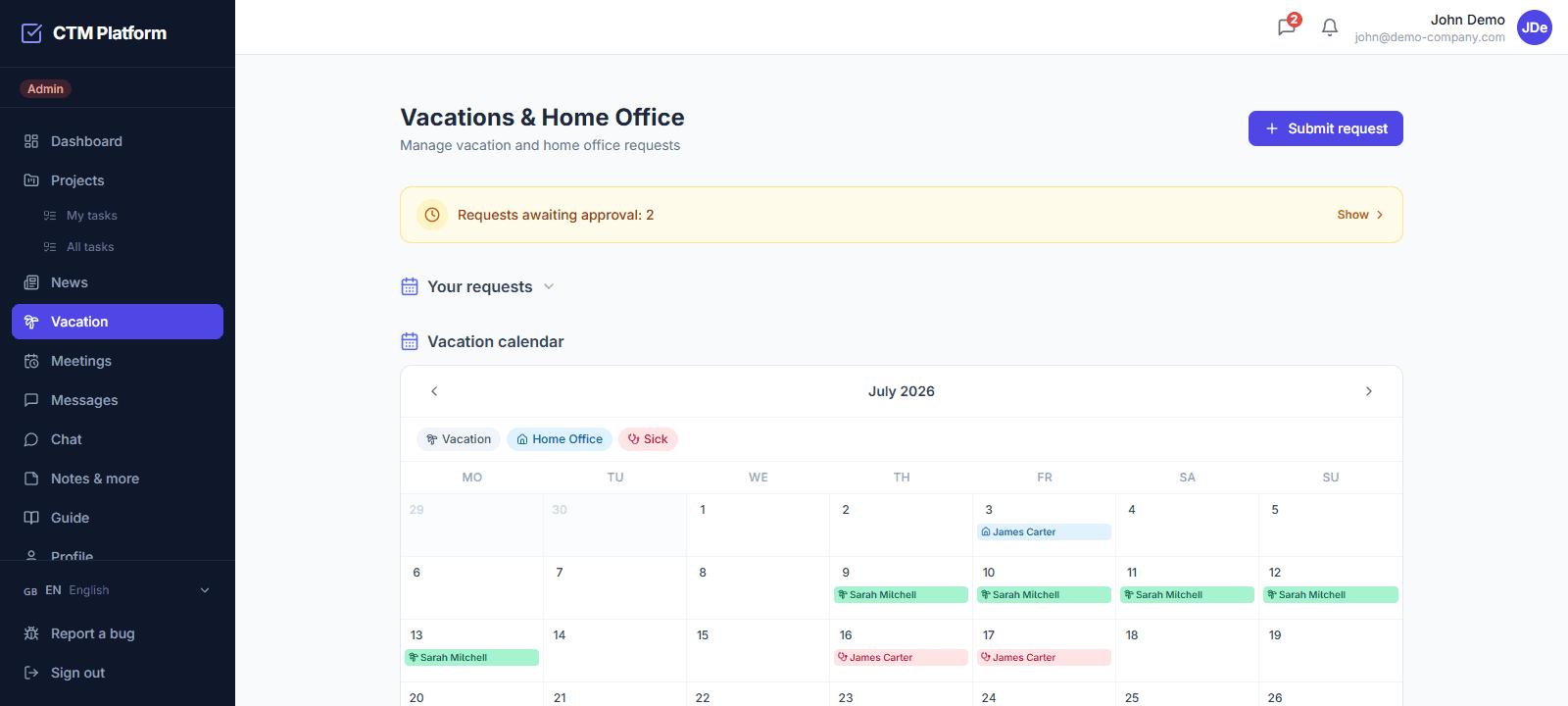
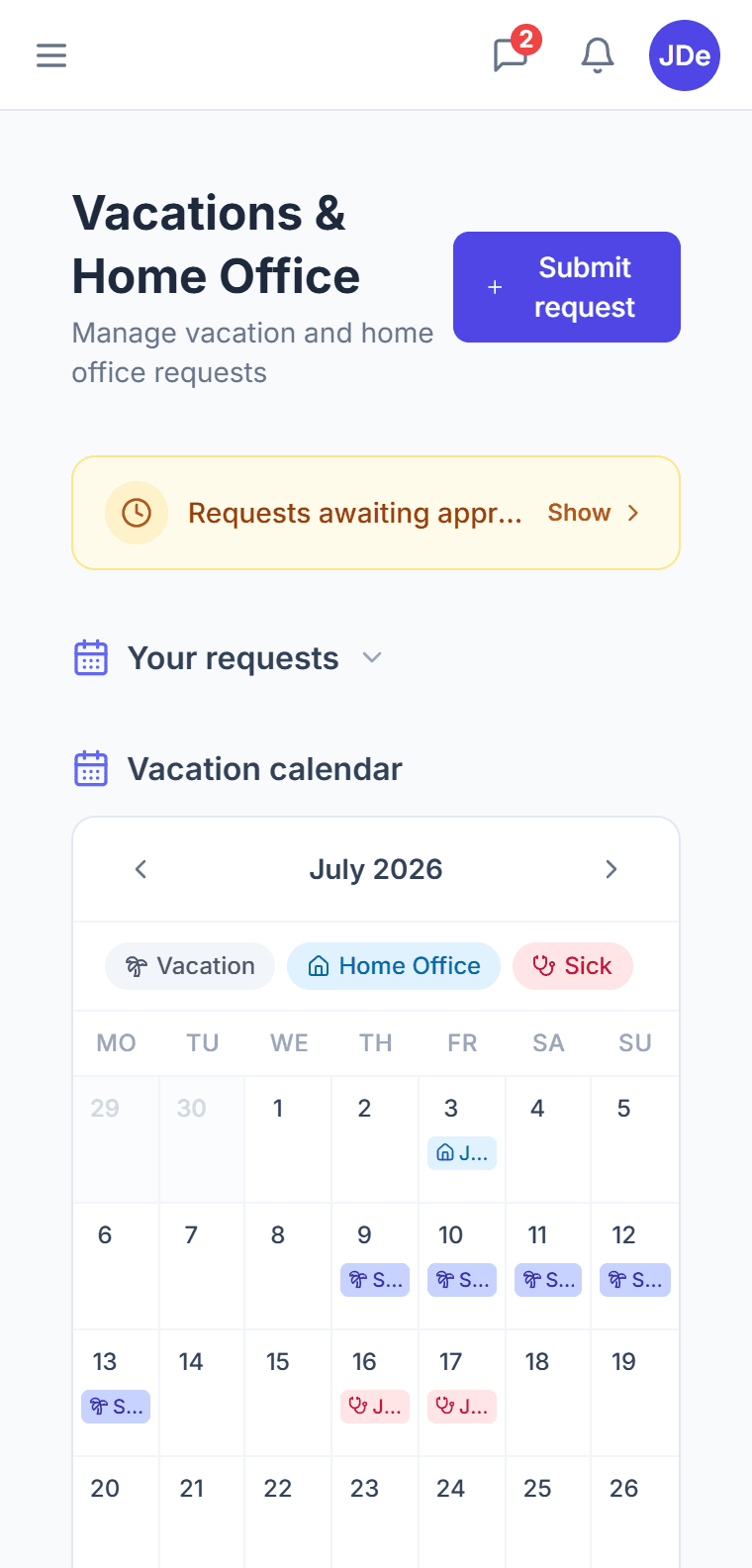
Leave and HR

Approve a leave request in one click

The whole team on one screen. Working days are counted against Slovak, Czech and German public holidays.

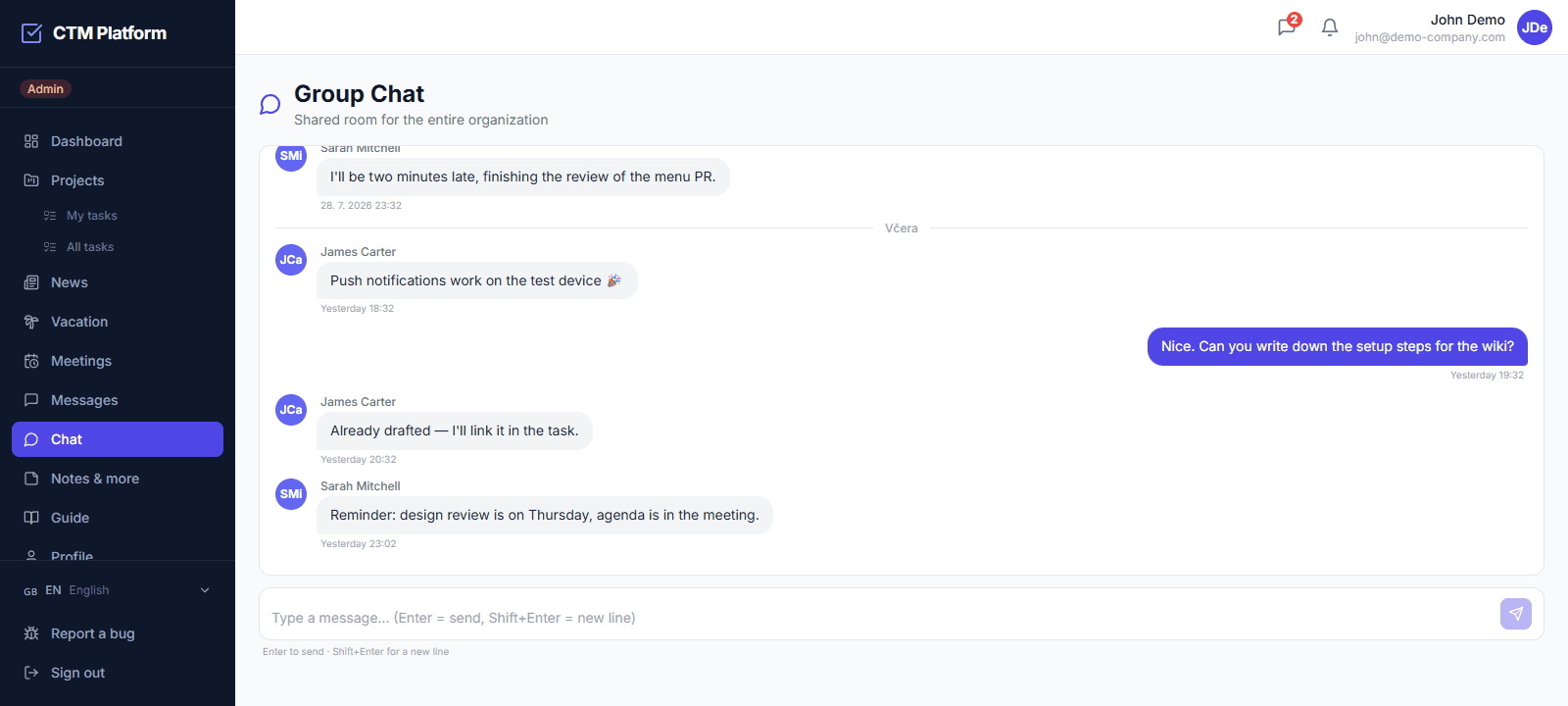
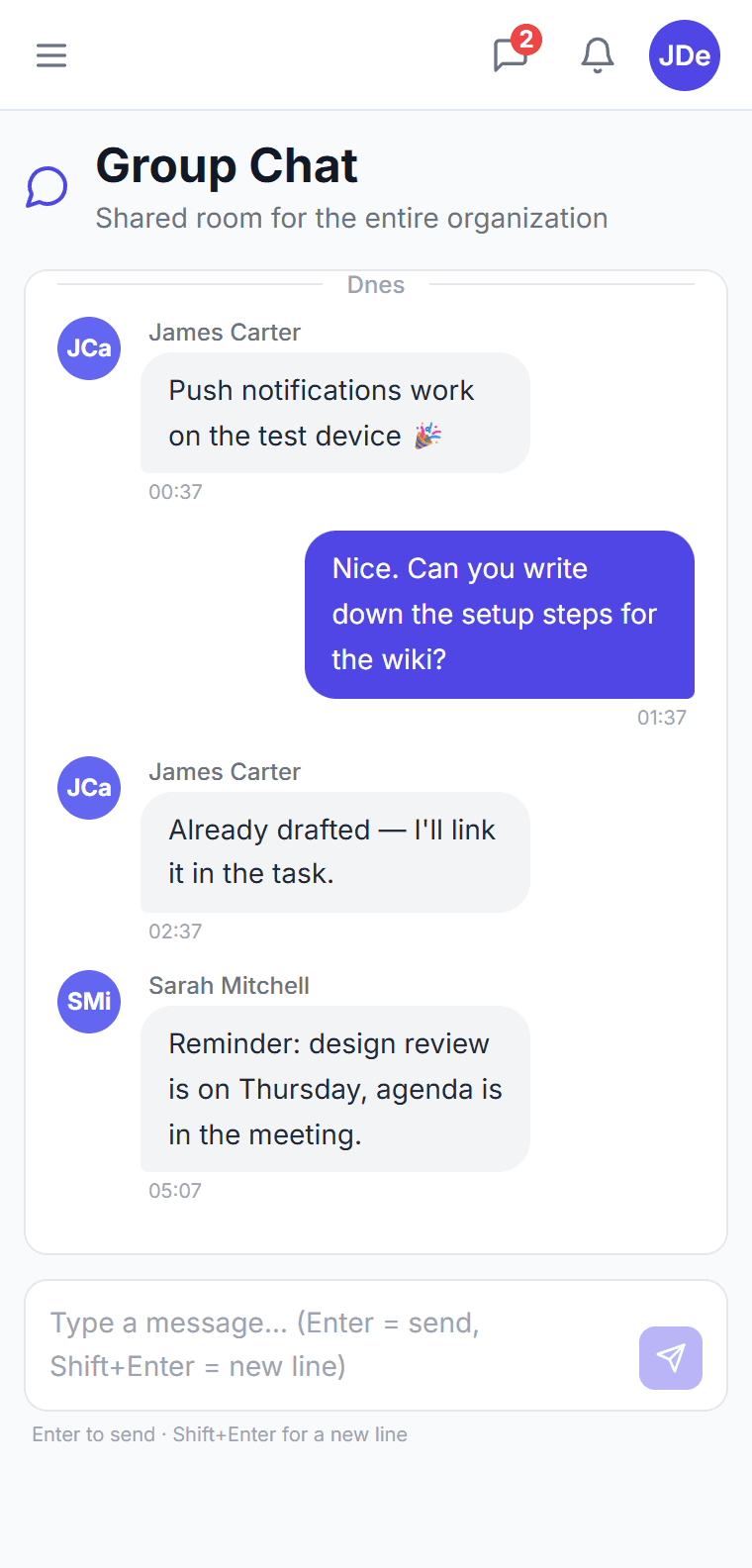
Chat and requests

“Can you send me that?” no longer gets lost in chat

Turn a colleague's request into a task in one click. The sender sees its status and is told when it is done.

Video calls

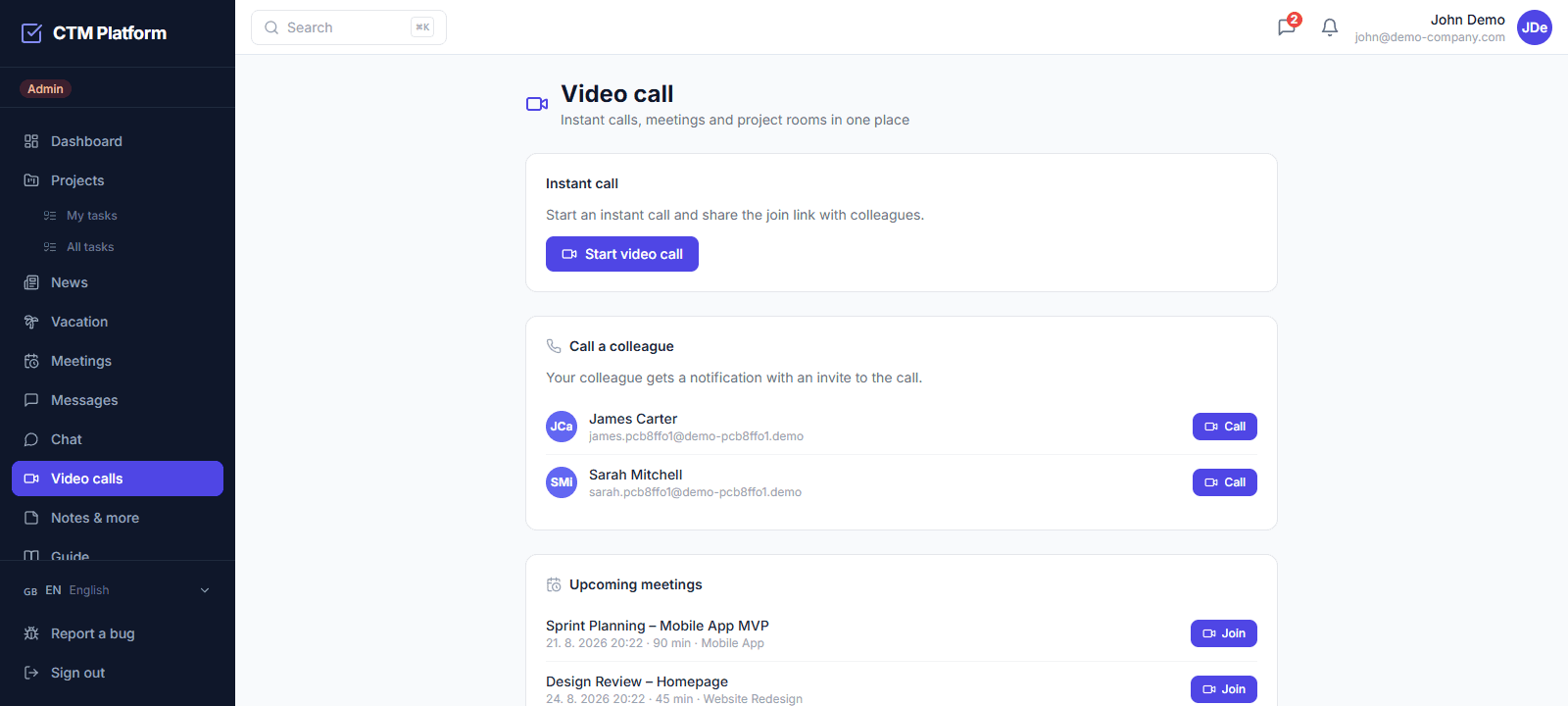
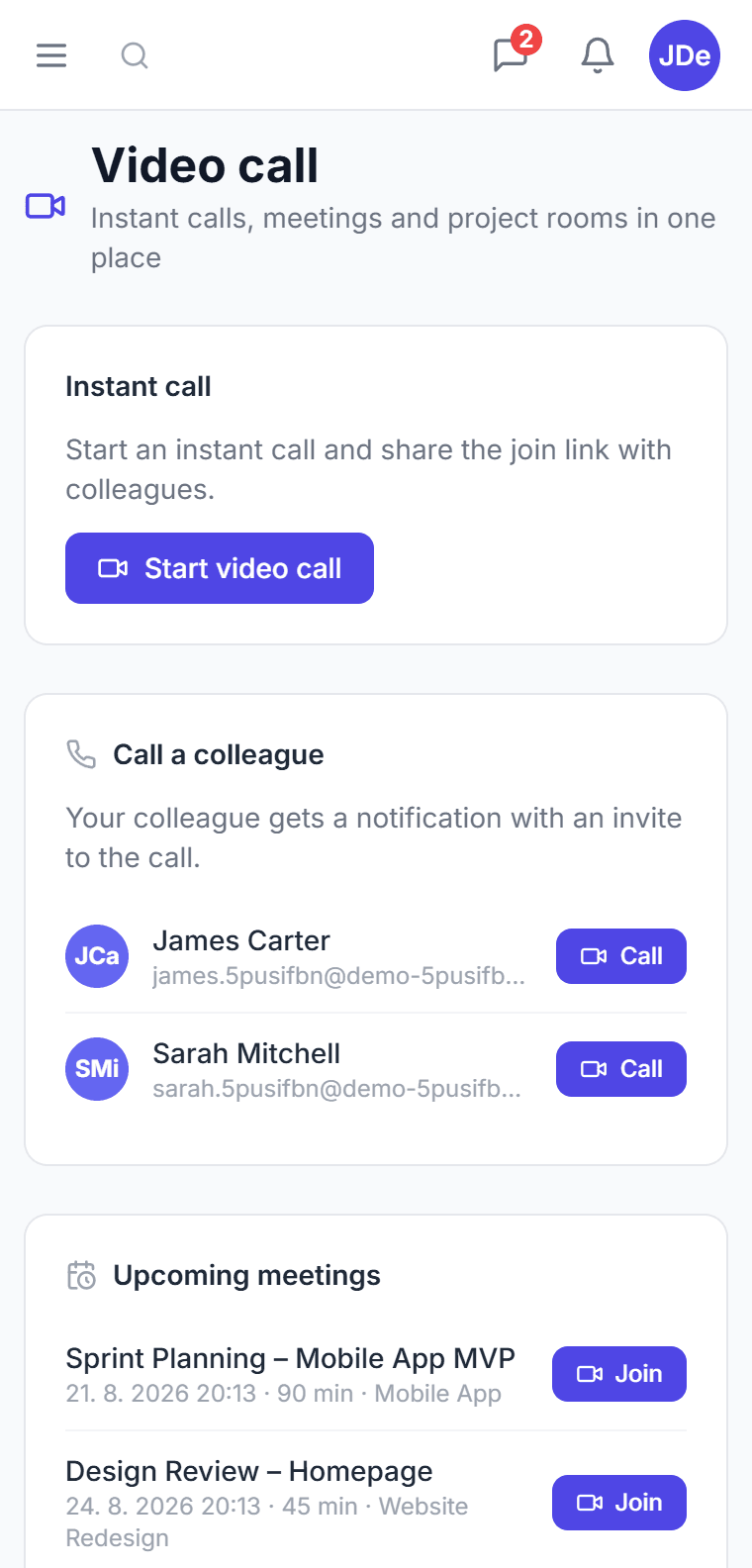
Start a call straight from a meeting or chat

It runs in the browser, nobody installs anything. Minutes and tasks from the call stay with the meeting.
See CTM in action

App walkthrough
Short videos
Price per company

What does one more colleague cost? Nothing.

Most tools charge for every person. CTM has one monthly price for the whole organization. Move the slider to see how it adds up.

Compare with per-user tools:CTM vs AsanaCTM vs Monday.comCTM vs ClickUp

Tool at €10.99 per person€197.82
CTM Pro€59
You save €1,666 a year
Pricing

Choose your plan

Free

€0
up to 3 users · projects: 1
  • Kanban projects and tasks
  • Internal messaging
Get started free

Starter

€25/ month
up to 10 users · projects: 5
✓ 14 days free
  • Everything in Free
  • Meetings and minutes
  • Video calls
  • Leave and HR
  • Data export and backups
Try Starter

ProMost popular

€59/ month
up to 50 users · unlimited projects
✓ 14 days free
  • Everything in Starter
  • AI meeting minutes
  • Google Calendar and Outlook
  • Slack notifications
  • Team overview and groups
Try Pro

Enterprise

from €99/ month
unlimited users · unlimited projects
  • Everything in Pro
  • No limits on people or projects
  • Individual terms
Contact us

Compare all plan features →Flat price per company →

About the product

What is Company Task Management?

Company Task Management (CTM) is a cloud-based SaaS platform that helps businesses manage tasks, projects, and teams in one place. It combines Kanban boards, structured meeting management, vacation and leave request approvals, and internal team messaging into a single subscription — without requiring separate tools or integrations.

Beyond the core modules, CTM covers four views of the same project (Kanban, list, table, and a Gantt timeline), video calls started straight from a meeting or a chat, meeting rooms with collision-free booking, capacity planning that warns you when an assignee is on leave and counts working days against Slovak, Czech, and German public holidays, AI-generated meeting minutes with action items, and sync with Google Calendar, Outlook (Microsoft 365), and Slack.

CTM is available in Slovak, Czech, English, and German, and is priced per organization rather than per user. The Starter plan starts at 25 EUR per month; the Pro plan at 59 EUR per month includes the full feature set. A free plan is available with no time limit.

“We have everything important in one place, which saves us time every day.
“When working with multiple clients and parallel projects, having a solid task management system is essential for us. Company Task Management gave us better control over priorities, more team transparency, and a more efficient workflow overall.
“The biggest benefit for us is that all tasks are clearly assigned and everyone knows what needs to be done and by when. In practice, this helped us reduce confusion in internal communication and improve deadline management across the team.
FAQ

What people ask

Is CTM free?
Yes, we offer a free plan with no time limit. It includes core features for small teams. For larger teams and advanced features, we have Starter, Pro and Enterprise plans from €25/month.
How many users can I add?
On the free plan you can have up to 3 users. The Starter plan allows 10 users, Pro 50, and Enterprise has unlimited users. You can change the number at any time by upgrading your plan.
Can I cancel at any time?
Yes, you can cancel your subscription at any time without any fees or penalties. After cancellation, you will remain on the paid plan until the end of the billing period.
How does meeting management work in CTM?
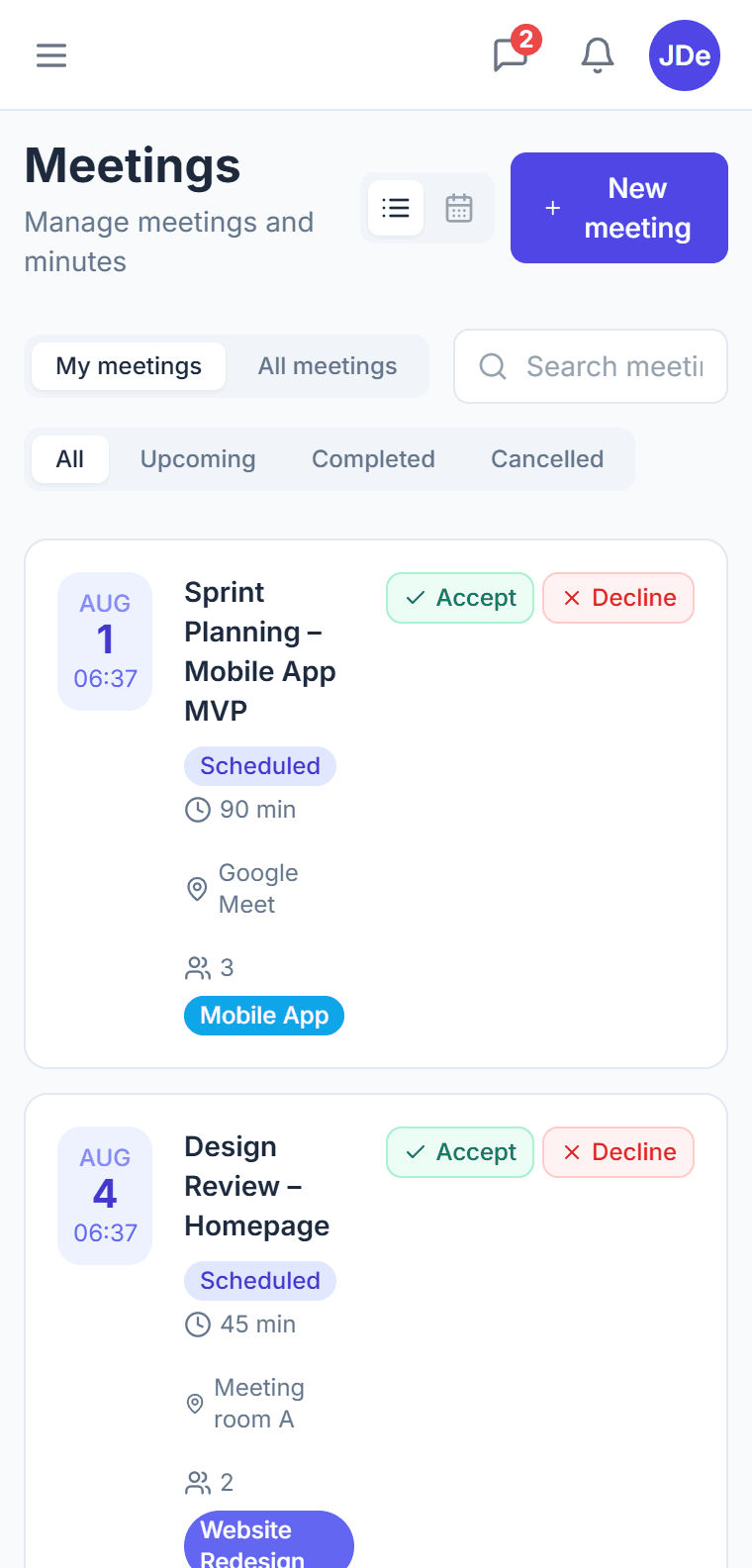
CTM lets you schedule meetings with an agenda, see RSVPs and attendance, write minutes tied to each meeting, and turn decisions into action items — tasks with an owner and a deadline that appear directly on your Kanban board.
Is my data secure in CTM and is it GDPR compliant?
Yes, CTM is a cloud platform hosted in the EU and built to be GDPR compliant. Access is protected by role-based permissions, so each team member only sees the projects and data relevant to them.
What languages is CTM available in?
CTM is fully available in Slovak, Czech, English, and German. Every part of the interface — including blog content and support materials — is localized, which makes it well suited for Central European teams.
Does CTM integrate with Google Calendar?
Yes, CTM offers two-way Google Calendar integration. Your tasks and meetings sync directly to your Google Calendar automatically.
What happens after the 14-day free trial ends?
Nothing gets deleted after the 14-day trial ends — your data, projects, and settings are all preserved. If you added a payment method when signing up, the subscription for your chosen plan (Starter or Pro) continues automatically and the first charge is taken only after the trial ends. If you didn't add a card, your account switches to limited access — simply choose a paid plan whenever you're ready to restore full access. The trial is non-binding and you can cancel anytime.
Are video calls part of CTM, or do I need another tool?
You start a video call straight from a meeting or a chat — in the browser, with no installation and no separate Zoom or Teams account. Meeting participants join with a single click. Video calls are included from the Starter plan up and are not charged per user.
What tools does CTM integrate with?
Tasks, meetings and personal events sync with Google Calendar and with Outlook Calendar (Microsoft 365 required). Slack receives notifications about an assigned task, a completed task, a new meeting and a leave request — a webhook is enough, nothing to install. These integrations are part of the Pro plan. Regardless of plan, you can download any meeting or task as an .ics file and open it in any calendar, including desktop Outlook and Apple Calendar.
Does CTM have a Gantt chart, and in which plan?
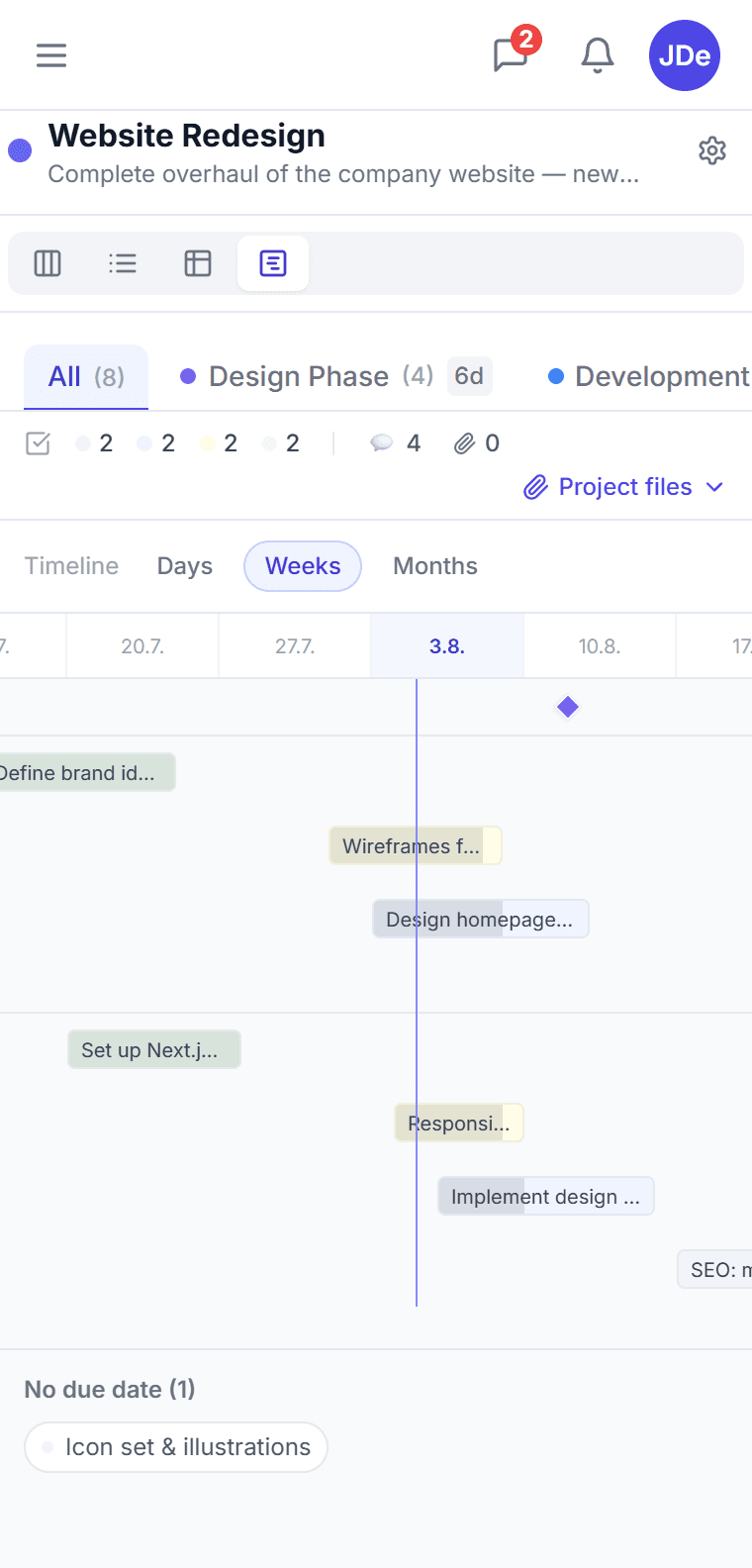
Yes. You can view the same project in four ways — kanban, list, table and a timeline with Gantt bars. A bar runs from a task's start to its due date, milestones mark project phases, and dragging a bar moves the dates directly. In CTM the timeline is part of every plan including the free one; in Asana and Monday.com the timeline view is only available on paid plans.
Does CTM work on mobile?
Yes. The whole app has a mobile layout after signing in — tasks, meetings, leave and chat all work on a phone the same way as on a computer. CTM can be installed on the phone's home screen as a progressive web app (PWA) on both iPhone and Android, with no store download. CTM does not have a separate native app in the App Store or Google Play.

You can hold your first CTM meeting today

Set up your company in two minutes and invite colleagues by email. 14 days free, no credit card.